Welcome to the 35th Annual National Dropout Prevention Conference!
We’re excited to have you as a presenter for the 35th Annual National Dropout Prevention Conference. Use this toolkit to help spread the word, connect with attendees, and showcase your participation at this years conference.
Downloadable Graphics
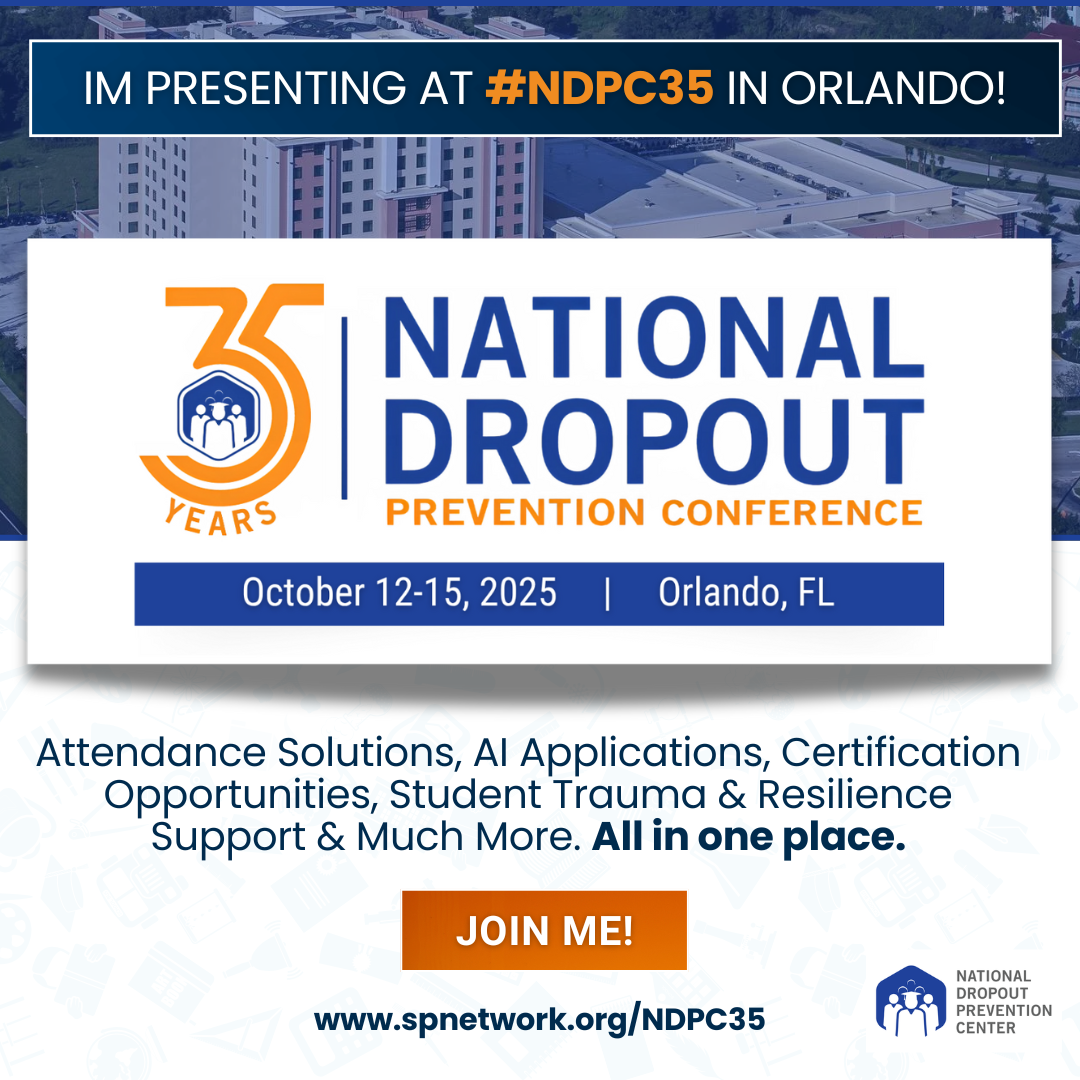
Conference Promo Graphic
Use this square graphic on your feed or stories to show you’re attending!
Conference Graphic (Square Post)
Desktop Instructions: 1. Right-click directly on the conference announcement image 2. Select “Save image as…” from the dropdown menu 3. Choose your desired folder location 4. Keep the filename or rename it. 5. Click “Save” The image is now ready to use for your social media posts Mobile Instructions: 1.Tap and hold on the conference announcement image 2. Select “Save to Photos” (iPhone) or “Download Image” (Android) 3. The image will save to your phone’s Photos/Gallery You can now use it for social media posts
NDPC35 Profile Frame
Add our custom frame to your social profile photo to show your participation!
Facebook Profile Frame (Canva Template)
Desktop Instructions:
Click on the Facebook frame image on the toolkit page
You’ll be redirected to the Canva template page (as shown above)
Choose one of these options:
Option 1: Edit Template
Click the purple “Edit template” button
Sign in to your Canva account (or create a free account if needed)
The template will open in Canva’s editor
Make any desired customizations (add your name, school, etc.)
Click “Download” in the top right corner
Select your preferred format (PNG recommended for profile frames) Click “Download” to save the file to your device
Mobile Instructions:
Tap on the Facebook frame image on the toolkit page
You’ll be redirected to the Canva template page
Choose one of these options:
Edit Template
Tap the purple “Edit template” button
Sign in to your Canva account or download the Canva app if prompted
The template will open in the Canva mobile editor
Make any desired customizations using touch gestures
Tap the download arrow (↓) icon in the top menu
Select PNG format
Tap “Download” – the file will save to your phone’s Photos/Gallery
Note: You’ll need a free Canva account to customize and download the template. The template is sized at 1500 x 1500 pixels, which is perfect for Facebook profile frames. The Canva mobile app offers the same editing capabilities as the desktop version.
Follow and Tag Us
Stay updated and tag us in your posts!
Facebook: @NDPCN
Twitter (X): @NDPCn
LinkedIn: @National Dropout Prevention Center
Instagram: @ndpc_official
Conference Hashtag
Use #NDPC35 on all your posts to join the conversation and connect with others before and during the event.
Need Help?
Send an email to [email protected] for any questions relating to the presenter toolkit or marketing/promotional assets for the event.